


Key Takeaways
- Liftoff costs $19.99 on Steam, runs on Windows, macOS, and Linux, and requires a Steam account, the Steam client, and a physical controller before you can fly a single lap (Steam, 2026).
- Its in-game workshop is genuinely best-in-class: swap frames, motors, props, and batteries modeled on real hardware, tune PIDs by hand or with AI-assisted tuning, and pull from the largest Steam Workshop map library of any FPV sim (UAVMODEL Insights, 2026).
- Liftoff is a sandbox, not a curriculum. UAVMODEL's own 2026 comparison notes it has no built-in progressive tutorial the way a structured course does, which is the specific gap FlightDivision's ordered lessons fill.
- FlightDivision is $0 forever, needs no account and no download, and opens directly in a browser at /sim with a gamified, ordered curriculum: Takeoff and Forward, Turns, Stopping, Stay Calm, Basic Tricks, and Flow.
If you've read even a couple of "best FPV simulator" roundups, you've seen Liftoff at or near the top of most of them. That reputation is earned. It's been the default recommendation for years, and the reason is its workshop, not marketing. Few sims let you build a drone from real motor and frame specs, tune the PIDs, and feel the result the way Liftoff does.
None of that is in question here. What's worth asking, if you're a complete beginner deciding where to spend your first hour of practice, is whether Liftoff's depth is actually what you need on day one, or whether it's a tool better suited to pilot two of your progression than pilot one. This post lays out the honest comparison, cost, platform, account requirements, customization depth, and learning structure, and makes the specific, factual case for where FlightDivision fits instead.
For the full field of options beyond just these two, the best FPV simulator comparison for 2026 covers every major sim side by side. This post narrows in on one matchup.
What Liftoff Actually Is
Liftoff: FPV Drone Racing is a PC simulator sold on Steam for $19.99, available on Windows, macOS, and Linux (Steam, 2026). Buying and launching it requires a Steam account and the Steam client installed, and Liftoff itself states plainly on its store page that it requires a remote or controller to play, it isn't playable with keyboard and mouse alone (Steam, 2026). In 2026, the sim also shipped a Physics 6.0 update that meaningfully improved its flight model, a sign the developer is still actively investing in realism years after launch.
None of that is a knock. It's simply the baseline cost of entry: a purchase, an account, a client install, and a controller, before your first flight.
Where Liftoff Genuinely Excels: The Workshop
This is the part every fair comparison has to give Liftoff credit for. Its in-game workshop lets you swap frames, motors, props, batteries, FPV camera, DVR camera, and antenna, and the parts are modeled on real hardware rather than generic stat blocks (UAVMODEL Insights, 2026). You can build a rig in Liftoff that mirrors a specific real-world quad down to its component choices, then tune the PIDs by hand or lean on the sim's AI-assisted PID tuning to find workable gains automatically.
That's a serious feature for anyone planning a specific real build, because it lets you test frame and motor decisions before spending money on physical parts. Liftoff also has the largest map library of any FPV sim through Steam Workshop, with thousands of community-made tracks ranging from bando runs to full race courses (UAVMODEL Insights, 2026). For a pilot who already knows the fundamentals and wants to explore builds, tune PIDs, or grind community race tracks, Liftoff's depth is hard to match, and several tier 1-3 sources rightly keep recommending it as a strong first paid sim.
Where Liftoff Falls Short for a Total Beginner: No Built-In Curriculum
Here's the gap that matters for someone who has never touched a transmitter. UAVMODEL Insights' own 2026 sim comparison describes Liftoff as operating like a sandbox environment rather than a structured curriculum, and specifically notes it lacks the built-in tutorials or progressive difficulty modes that a dedicated beginner course offers (UAVMODEL Insights, 2026). The same comparison points to a different sim as more beginner-friendly on that specific dimension, precisely because it has clearer step-by-step progression.
That tracks with what the workshop and PID tuning are actually for. Those tools assume you already know what you're building toward, how a drone should feel when it's tuned right, what a clean line through a gate looks like. A pilot on day one doesn't have that reference point yet. Handing them a hardware-accurate workshop and thousands of open-ended community tracks before they can reliably take off, turn, and stop isn't wrong, it's just solving a different problem than "teach me to fly."
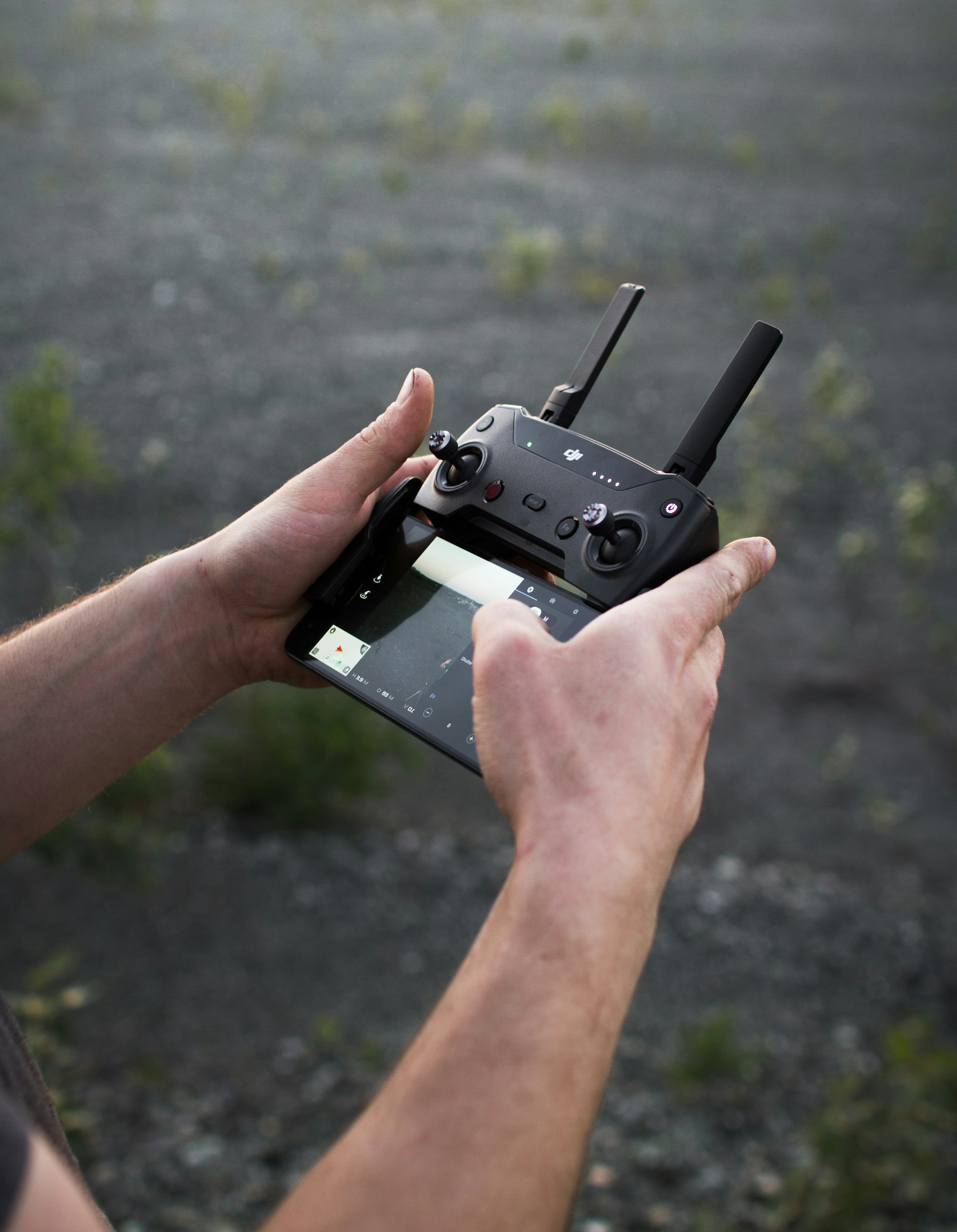
Where FlightDivision Fits: Free, No Account, Ordered Lessons
FlightDivision takes the opposite starting point. It's the free browser FPV simulator: no account, no Steam purchase, and no download. You start flying in the same laptop tab you already have open. There's no client to install, no controller requirement to clear before your first flight (though a controller improves precision once you have one), and nothing standing between deciding to try FPV and actually flying.
The bigger structural difference is the curriculum itself. Instead of a sandbox with community content layered on top, FlightDivision ships a gamified, ordered lesson sequence: Takeoff and Forward, then Turns, then Stopping, then Stay Calm, then Basic Tricks, then Flow. Each course assumes the skill before it is solid, so a pilot who's cleared Takeoff and Forward isn't dropped into an open map wondering what to practice next, they move into Turns because that's what the sequence teaches next. That's the exact mechanism The Easiest Way to Learn FPV From Scratch walks through in more depth: a gamified curriculum turns "I have a simulator" into "I know what to do with it," which is the specific thing a beginner needs most and a sandbox, however deep, doesn't provide on its own.
This isn't an argument that FlightDivision replaces Liftoff's workshop. It doesn't have hardware-modeled frame and motor tuning, and it isn't trying to. It's solving the earlier problem: getting someone from zero stick time to reliable takeoff, turning, and landing, in order, for $0, with nothing to install.
How to think about the two
If you're deciding what real hardware to build and want to test frame, motor, and PID choices before buying, Liftoff's workshop is the better tool for that job. If you've never flown FPV before and want a structured, ordered path from zero to reliable stick skills with no cost and no setup, start with a curriculum built for exactly that.
FlightDivision vs Liftoff: Side by Side
| FlightDivision | Liftoff | |
|---|---|---|
| Price | $0, forever | $19.99 on Steam |
| Account required | None | Steam account and client |
| Platform | Browser, any device that runs one | Windows, macOS, Linux via Steam |
| Install | None, opens at /sim | Steam client download and install |
| Controller required to start | No, improves precision once added | Yes, per Steam's own listing |
| Learning structure | Gamified, ordered curriculum (Takeoff and Forward, Turns, Stopping, Stay Calm, Basic Tricks, Flow) | Sandbox with community maps, no built-in progressive tutorial |
| Drone customization depth | Not the focus | Best-in-class, hardware-modeled frames, motors, PID tuning |
| Community content | Curated lessons | Largest Steam Workshop map library of any FPV sim |
| Best for | Complete beginners who want structure with zero cost or setup | Pilots ready to tune builds, explore community tracks, or considering a specific real hardware purchase |
Can You Use Both?
Nothing stops you from doing both, and for a lot of pilots that's actually the sensible path. Start with an ordered curriculum to build the fundamentals, deliberate takeoffs, smooth turns, reliable stops, calm recovery, without a purchase or install standing in the way. Once those fundamentals are solid and you're ready to think about a specific real build, Liftoff's workshop becomes genuinely useful for testing frame, motor, and PID choices before you spend money on hardware.
Where this goes wrong is doing it backwards: buying a sim, opening a sandbox with no built-in progression, and trying to self-direct your way through fundamentals with community race tracks built for pilots who already have them. That's a slower path to the same skills, and it's the reason a structured first stage matters regardless of which sim you eventually add on top of it. FlightDivision vs VelociDrone covers a related version of this same tradeoff against a racing-focused sim, if you're weighing more than one option before committing your time.
Getting Started
You don't need a Steam account, a controller, or $19.99 to find out whether you like FPV or whether the fundamentals are clicking for you. Open /sim in a browser, start with Takeoff and Forward, and work through the curriculum in order. If you later decide you want Liftoff's workshop for build planning, you'll be tuning PIDs on a foundation you already trust instead of guessing at what "good" feels like.
Frequently Asked Questions
FlightDivision's ordered curriculum (Takeoff and Forward, Turns, Stopping, Stay Calm, Basic Tricks, Flow) is built specifically for zero prior experience, with no cost, account, or install. Liftoff is a strong sim overall, but UAVMODEL Insights' 2026 comparison notes it operates as a sandbox without a built-in progressive tutorial.
Liftoff costs $19.99 on Steam and runs on Windows, macOS, and Linux. You need a Steam account, the Steam client installed, and a physical controller, Liftoff's own store page states it requires a remote or controller to play (Steam, 2026).
No. FlightDivision runs entirely in the browser at /sim with no download, no Steam client, and no account. It's free to use for as long as you want, with nothing to install before your first flight.
For hardware-accurate frame, motor, and PID customization, yes, Liftoff's workshop is widely regarded as the deepest in the category. FlightDivision isn't built for that use case; it's focused on teaching flight fundamentals through an ordered lesson sequence instead.
Sources
- Steam, Liftoff®: FPV Drone Racing store page, retrieved 2026-08-11, https://store.steampowered.com/app/410340/Liftoff_FPV_Drone_Racing/
- UAVMODEL Insights, FPV Simulator Comparison 2026: Liftoff, VelociDrone, Tryp, Uncrashed, and DRL, retrieved 2026-08-11, https://blog.uavmodel.com/fpv-simulator-comparison-2026-liftoff-velocidrone-tryp-uncrashed-and-drl/


