


Key Takeaways
- Most FPV beginner crashes trace back to a handful of repeatable mistakes: skipped failsafe setup, no sim time, and skipping ahead to gates before you can stop reliably.
- Crash anxiety causes hesitant, over-corrected stick inputs that look like a lack of skill but are actually a fear response (UAV Drone Academy, 2026).
- Every mistake on this list has a concrete fix you can apply before your next flight, most of them for free, in a simulator.
New FPV pilots don't crash because they lack coordination. They crash because a handful of specific, repeatable mistakes show up in nearly every beginner's first few weeks: gear that's misconfigured before takeoff, technique habits that compound instead of correct, and a mindset that fights the learning curve instead of working with it.
None of these mistakes are exotic. They show up across beginner guides from Oscar Liang, UAV Drone Academy, and UAVMODEL Insights often enough that they're closer to a pattern than bad luck. This post covers the nine that cause the most damage, grouped into gear and setup, in-air technique, and mindset, with a specific fix for each.
The single costliest mistake: skipping ahead
Jumping straight to gates or tricks before you can reliably stop is the mistake that turns every other mistake worse. A shaky stop under a gate isn't a technique gap, it's the exact skill you skipped. Fix it by treating "stop" as its own trained skill, not something that happens automatically once you can fly forward.
Gear and Setup Mistakes
These happen before you ever leave the ground, and they're the ones that turn a small in-air mistake into an unrecoverable one. Get the setup right once and you remove entire categories of crash risk for every flight afterward.
1. Skipping failsafe configuration
Failsafe is what your drone does when it loses radio signal, and an unconfigured one means a lost connection can leave motors spinning at their last commanded throttle instead of cutting power. Betaflight's failsafe must be verified with props off before the first flight: power the quad, connect to the configurator, then turn off your radio and confirm the Receiver tab shows channels dropping to their failsafe values (Unmanned Tech, 2026; Oscar Liang, 2026).
The fix: Set Stage 2 failsafe to "Drop" so the drone disarms immediately on signal loss, and test it on the bench, with propellers removed, before every new build or firmware update. Never treat failsafe as a default you can leave untouched.
2. Choosing the wrong flight mode to start in
Beginners often either stay in Angle mode indefinitely, avoiding Acro out of caution, or jump straight into Acro without any transitional practice. Both create problems: Angle's auto-leveling builds habits that don't transfer, while raw Acro without preparation is overwhelming. Guidance from UAV Drone Academy (2026) recommends using Angle mode briefly for safety validation, then progressively training into Acro rather than picking one mode and staying there out of comfort.
The fix: Use Angle mode only to confirm your build flies straight and responds correctly, then move to Acro immediately, in a simulator where the switch costs nothing. Don't let Angle mode become a long-term comfort zone.
3. Ignoring the radio and receiver setup
Cheap or misconfigured radios and receivers cause a disproportionate share of early crashes: dropped links, reversed channels, and antennas that aren't securely connected all show up as "random" flyaways that are actually predictable hardware issues (Oscar Liang, 2026). A radio is also the one piece of gear you'll likely keep across multiple drones, so under-investing here compounds.
The fix: Confirm receiver failsafe is set in your radio's Lua script (throttle to zero, other channels centered), and physically check antenna connections before every flying session, not just at first build.
4. Not removing propellers during bench work
Bench-testing a drone with props still attached, to check motor direction or run a quick software update, is a common cause of avoidable injuries and prop strikes. It's an easy step to skip when you're eager to get flying, and it's the one that draws blood when a motor spins unexpectedly (Oscar Liang, 2026).
The fix: Make prop removal a fixed habit before any bench work, arming test, or firmware flash. No exceptions, even for a "quick check."
In-the-Air Mistakes
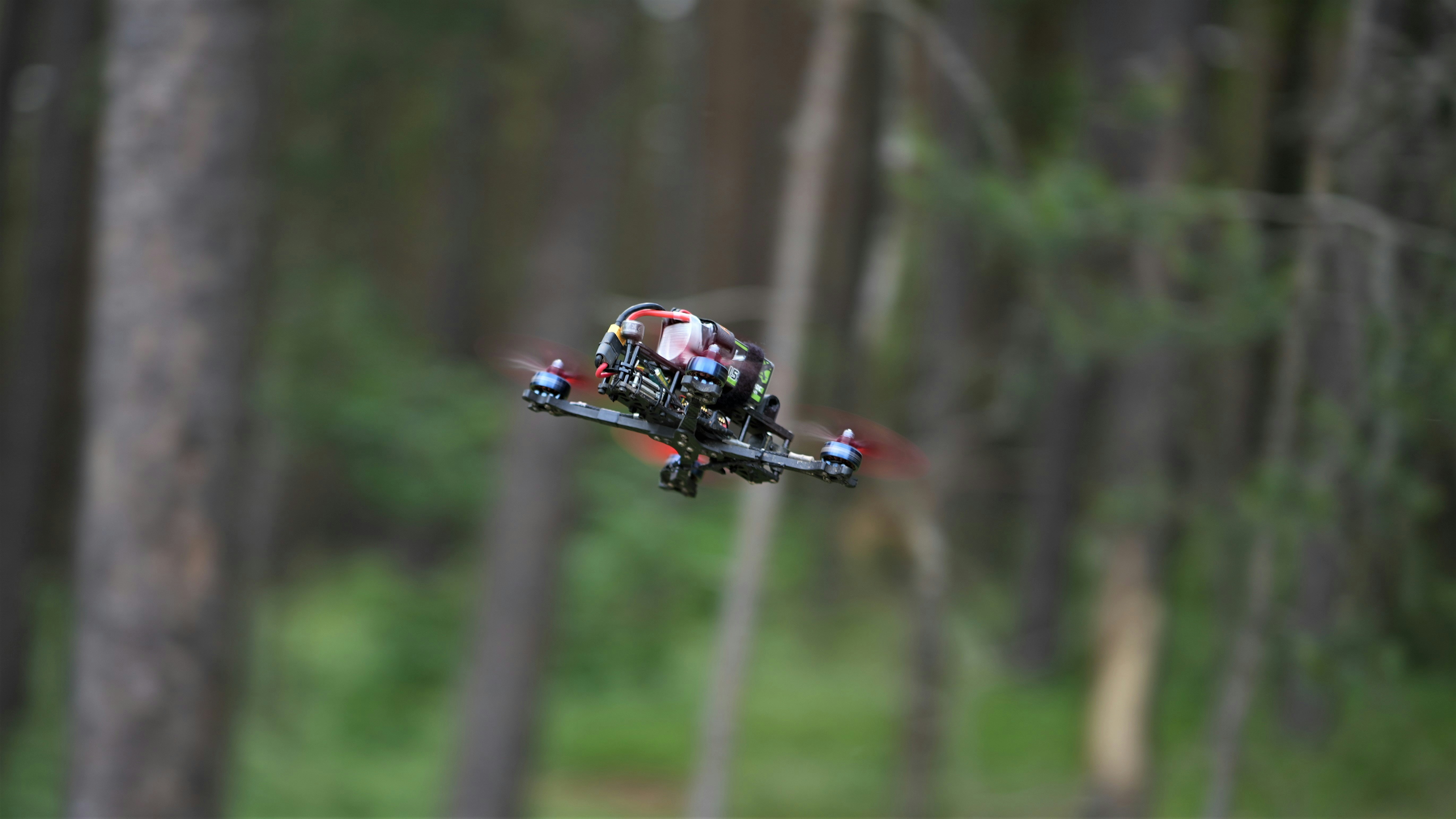
Once the gear is right, most beginner crashes come down to technique habits that feel reasonable in the moment but compound into loss of control. These are the mistakes structured practice is specifically built to prevent.
5. Over-relying on one stick input
The most common in-air mistake is leaning on yaw or roll alone to steer, instead of blending throttle, pitch, roll, and yaw together. A turn that feels wide and floaty is almost always missing one ingredient, most often yaw or throttle working together with roll (MattyFleisch, 2026; UAV Drone Academy, 2026). Beginners default to whichever stick feels most intuitive and stop there.
The fix: Practice deliberately isolating and then combining each input. Fly a lap using only pitch and roll, then add yaw back in gradually, so you can feel what each control contributes instead of guessing.
6. Skipping sim time before real flight
Going straight to real hardware without simulator practice is arguably the single most cited beginner mistake across every major FPV guide. One FPV training analysis found sim-trained pilots crash roughly 2 times in their first 10 real flights, versus about 20 times for pilots who skip sim training entirely (UAVMODEL Insights, 2026). That's not a marginal difference, it's a tenfold gap driven entirely by preparation.
The fix: Put in your sim hours before you spend money on a battery. This is precisely the mistake FlightDivision's simulator is built to prevent: a structured curriculum, Takeoff and Forward, then Turns, then Stopping, then Stay Calm, then Basic Tricks, then Flow, so your sim time compounds into real skill instead of just racking up unstructured stick time.
7. Skipping ahead in the skill sequence
Even pilots who do put in sim time often skip straight to gates, dives, or tricks before they can reliably stop. It feels like progress because it's more exciting, but it just relocates the crash to a harder moment instead of preventing it. A pilot who can fly fast forward but can't stop cleanly hasn't actually built the skill that keeps them out of trouble.
The fix: Treat stopping as its own trained skill, not something that happens automatically once you can fly forward. This is exactly what an ordered lesson sequence forces: you can't reach gate and obstacle practice until stopping is solid, because the curriculum won't let you skip the step that actually prevents the crash.
8. Flying too aggressively, too soon
New pilots feel a strong pull toward advanced maneuvers immediately after their first successful hover: fast forward flight, sharp turns, freestyle tricks, high-throttle punches. That excitement is normal, but acting on it before the fundamentals are solid is how a promising first session ends with a broken frame (UAV Drone Academy, 2026).
The fix: Follow a progression through flight stages, short hovering, gentle circles, low-speed cruising, before adding speed or aggression. Save the punch-outs for once the basics are boring, not before.
Mindset Mistakes
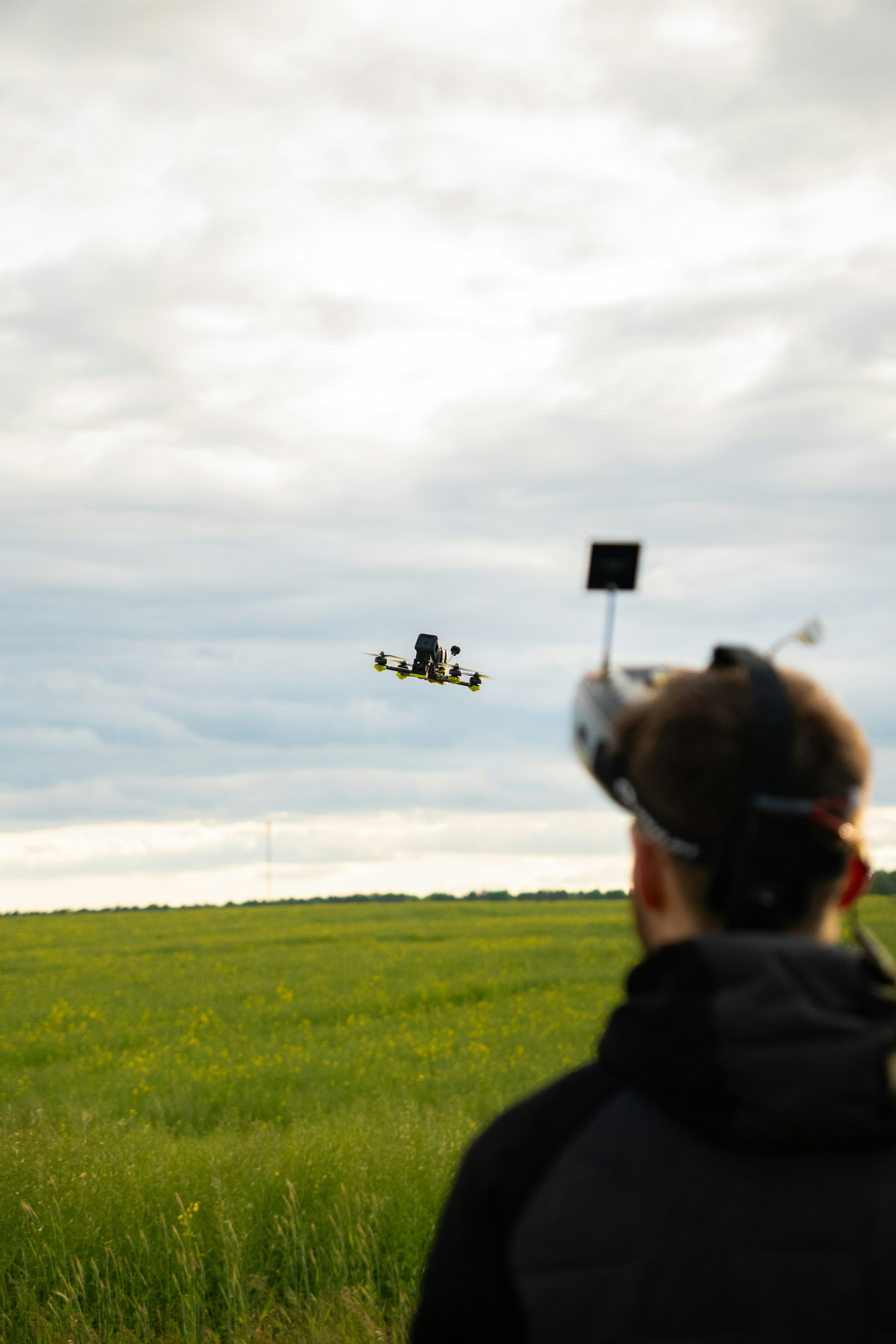
Technique and gear get most of the attention, but how you handle fear and comparison shapes almost every stick input you make. Fix the mindset issues and the technique often improves on its own.
9. Letting crash anxiety cause hesitant, wobbly inputs
Nearly every beginner hits a point where fear of crashing, not lack of physical skill, is what's actually holding their flying back. Panic causes crashes: overreacting with large, sudden stick corrections after a scare typically makes the situation worse, not better (UAV Drone Academy, 2026). That tension shows up as hesitation and over-correction that looks like a lack of skill but is really a fear response.
The fix: When something goes wrong, use small stick inputs and stay calm rather than yanking the sticks to full deflection. A simulator is the best place to build this reflex, because the stakes are genuinely zero: you still crash and still learn what caused it, but nothing breaks.
10. Comparing your progress to advanced pilots
Watching freestyle or racing footage and measuring your first week against someone's tenth year sets an impossible bar and makes normal progress feel like failure. The fix isn't to stop watching, it's to stop using it as your yardstick. Progressive, staged skill-building, not comparison to advanced pilots, is what beginner guides consistently recommend as the actual path forward (UAV Drone Academy, 2026).
The fix: Measure yourself against your own last session, not against a pilot with years of stick time. A clean stop this week that wasn't clean last week is real progress, even if it looks nothing like a freestyle reel.
Where Structured Practice Fixes Most of This List
A structured, ordered curriculum is exactly what prevents the two most damaging mistakes on this list: skipping ahead to gates or tricks before mastering stopping, and jumping straight to real hardware with zero sim time. Both mistakes come from the same root cause, treating FPV as a hobby you figure out by wandering, instead of a skill sequence where each step depends on the last.
FlightDivision's lesson sequence exists specifically to close that gap: Takeoff and Forward, then Turns, then Stopping, then Stay Calm, then Basic Tricks, then Flow. You can't reach Basic Tricks without Stopping behind you, because the mistake that sequence prevents is exactly the one on this list that causes the most damage.
If you want a deeper answer to whether FPV's learning curve is as steep as it looks, see Is FPV Drone Flying Hard to Learn?. And if you haven't yet, start with the complete beginner's guide for the full picture of what FPV flying involves before you buy anything.
Fly your first lesson in the FlightDivision simulator. Free, in-browser, no hardware required.
Frequently Asked Questions
Skipping ahead in the skill sequence, attempting gates, tricks, or aggressive flying before reliably mastering stopping, is one of the most commonly cited causes. It doesn't prevent the crash, it just relocates it to a harder, faster moment.
Yes. Failsafe determines what your drone does when it loses radio signal, and an unconfigured one can leave motors running instead of cutting power. Verify it on the bench, with propellers removed, before every first flight or firmware update.
Use Angle mode briefly to confirm your setup flies correctly, then move into Acro progressively rather than staying in Angle long-term. Acro is the mode most pilots eventually need, and starting the transition early avoids relearning habits later.
Practice in a simulator, where crashes cost nothing, until small stick corrections become your default reaction instead of large, panicked ones. Fear fades fastest when the stakes are genuinely zero, not through willpower alone.
Sources
- Oscar Liang, Top 10 Common Mistakes FPV Drone Beginners Should Avoid: Improving Skills and Safety, retrieved 2026-08-11, https://oscarliang.com/common-mistakes-fpv-beginners/
- Oscar Liang, What's Failsafe and How to Setup on FPV Drone (Betaflight & EdgeTX Radio), retrieved 2026-08-11, https://oscarliang.com/setup-failsafe/
- UAV Drone Academy, Chapter 30: First FPV Flight Tips: How to Avoid Common Beginner Mistakes, retrieved 2026-08-11, https://www.uavdroneacademy.com/en/blog/first-fpv-flight-tips-how-to-avoid-common-beginner-mistakes
- UAVMODEL Insights, FPV Drone Building Mistakes: 10 Common Errors Beginners Make and How to Avoid Them, retrieved 2026-08-11, https://blog.uavmodel.com/6020-2/
- UAVMODEL Insights, FPV Simulator Training: Liftoff vs Velocidrone vs Uncrashed, Which Actually Translates to Real Flying, 2026 Guide, retrieved 2026-08-11, https://blog.uavmodel.com/fpv-simulator-training-liftoff-vs-velocidrone-vs-uncrashed-which-actually-translates-to-real-flying-2026-guide/
- Unmanned Tech, FPV Drone Failsafe Setup: What Happens When Signal Is Lost, retrieved 2026-08-11, https://www.unmannedtechshop.co.uk/blogs/knowledge-base/fpv-drone-failsafe-setup-what-happens-when-signal-is-lost
- MattyFleisch, FPV Cornering, How to Mix Roll Pitch Throttle & Yaw for Tightness, retrieved 2026-08-11, https://mattyfleisch.com/fpv-cornering/


