


Key Takeaways
- Mode 2, the near-universal FPV layout, puts throttle and yaw on the left stick and pitch and roll on the right stick — so throttle and yaw always share a thumb.
- A tight, controlled turn needs roll, yaw, and throttle moving together. Using roll alone produces the wide, floaty turn almost every beginner starts with (MattyFleisch, 2026).
- Each axis has its own drill: yaw squares for yaw, throttle punches for vertical control, and pole-orbit circuits for blending all four at once.
The pillar guide already covered what throttle, pitch, roll, and yaw physically do to the airframe. This post picks up where that leaves off: how the four sticks map onto a real Mode 2 transmitter, exactly how they combine in a coordinated turn, the specific single-stick mistakes that cause most beginner crashes, and a drill for each axis you can run today.
That distinction matters because knowing what a stick does and being able to move it correctly under pressure are different skills. Most beginners can recite "roll banks the drone" within a day. Building the muscle memory to blend roll with yaw and throttle mid-turn, without thinking about it, takes deliberate practice against a specific stick-by-stick plan.
How the Four Inputs Map to a Mode 2 Transmitter
Mode 2 is the transmitter layout most FPV pilots fly, and it splits the four controls across two sticks in a specific, non-obvious way: the left stick carries throttle and yaw, the right stick carries pitch and roll (GetFPV, 2026).
That split is why yaw feels harder to isolate than roll or pitch for most new pilots. Throttle and yaw share the same stick and the same thumb, so any input that changes altitude also risks nudging yaw, and vice versa. Pitch and roll, by contrast, sit on separate axes of the same stick and rarely interfere with each other the same way.
| Stick | Axis | Motion | Controls |
|---|---|---|---|
| Left | Vertical | Up / down | Throttle |
| Left | Horizontal | Left / right | Yaw |
| Right | Vertical | Up / down | Pitch |
| Right | Horizontal | Left / right | Roll |
Mode 2 exists because it mirrors fixed-wing aircraft controls, which is why it stuck as the default when FPV borrowed its transmitter conventions from RC airplane flying (GetFPV, 2026). A smaller number of pilots fly Mode 1, which swaps throttle onto the right stick, but Mode 2 is what nearly every tutorial, sim default, and beginner transmitter ships with, so it's the layout worth learning first.
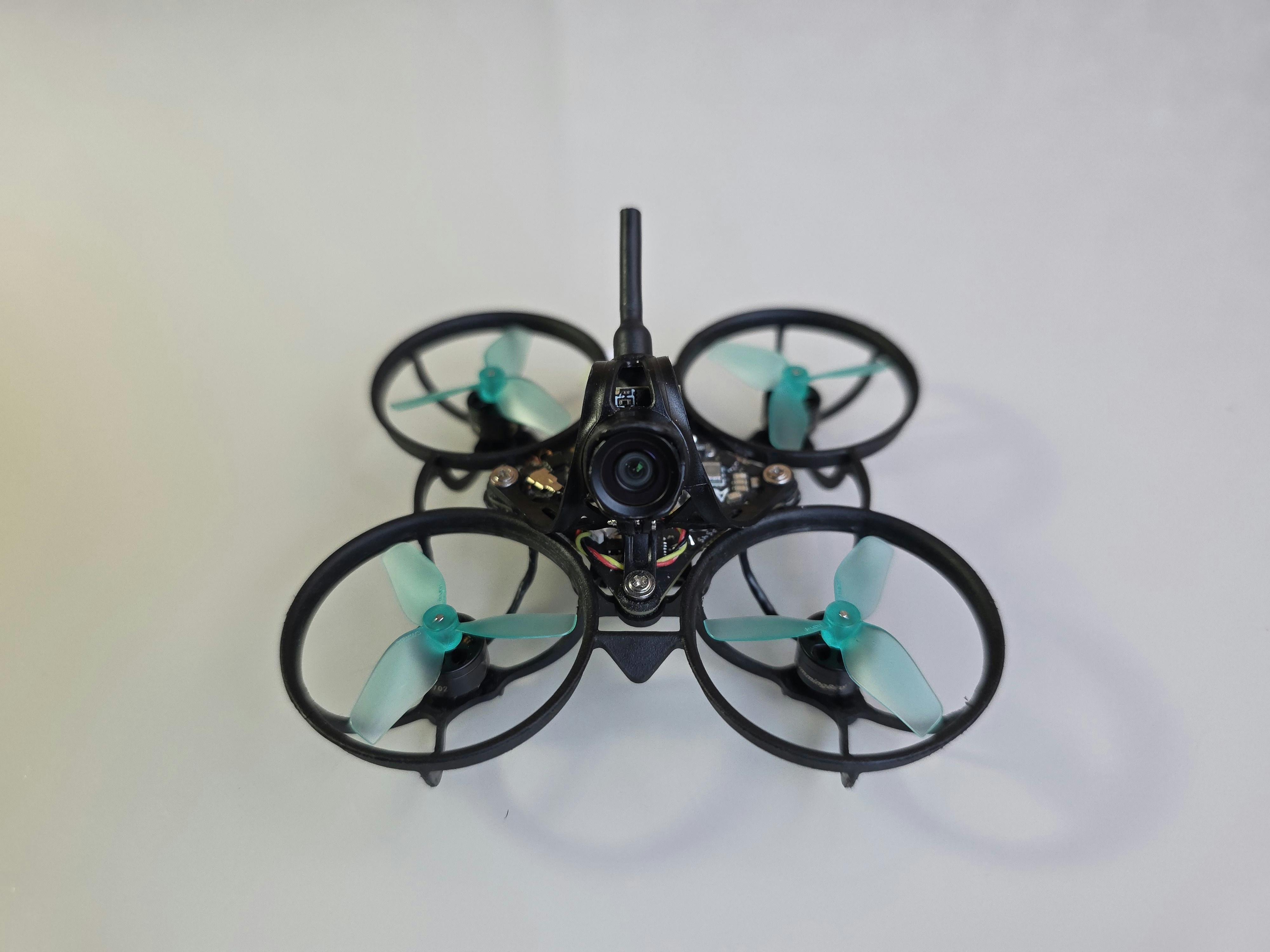
Knowing the layout on paper is step one. Building the reflex to reach for the right stick without looking down at your thumbs is what the drills further down are for.
How the Four Controls Combine in a Real Turn
A coordinated FPV turn isn't roll alone. It's roll, yaw, and throttle moving together, with pitch holding forward momentum through the turn — leave one out and the turn goes wide and loses its line (MattyFleisch, 2026; Oscar Liang, 2026).
Here's why each input earns its place. Roll banks the airframe into the turn, the same way a plane's wings tip before it changes heading. Yaw rotates the nose to match the new direction of travel, so the drone is actually pointing where it's going instead of skidding sideways through the turn. Throttle compensates for the altitude the drone loses as it banks, since tilting the airframe redirects some of its lift horizontally. Skip the throttle correction and a hard-banked turn quietly sinks.
Pitch is the input beginners forget entirely mid-turn. Easing off pitch kills forward speed exactly when the turn needs it most, turning a clean arc into a stall-and-drop. The fix isn't a new stick movement, it's remembering the one you already know not to release.
MattyFleisch's cornering breakdown is blunt about the most common failure mode here: new pilots are usually too gentle, under-committing to yaw and throttle while over-relying on roll (MattyFleisch, 2026). Oscar Liang's coaching notes echo the same pattern from the opposite angle: pilots who add yaw and roll together, rather than roll on its own, get noticeably smoother and more natural-looking turns almost immediately (Oscar Liang, 2026).
Common Single-Stick Mistakes and Why They Happen
Most early FPV crashes trace back to relying on one stick input to do a job that needs two or three combined, and the fix is almost always adding an input, not correcting the one you're already using (UAV Drone Academy, 2026).
Yaw-only turns. Spinning the nose with yaw alone rotates the drone in place without actually changing its flight path, so the quad keeps drifting in its old direction while pointing somewhere new. It looks like a turn on your screen and flies like one that never happened.
Roll-only turns. Banking with roll and nothing else produces the wide, floaty arc mentioned above: no yaw to redirect the nose, no throttle to hold altitude through the bank. It's the most common version of "my turns feel loose" among new pilots.
Expecting the drone to self-level. In Acro mode, the flight controller holds whatever attitude you last commanded until you actively correct it. There's no auto-return to level. Pilots who fly Angle mode first sometimes carry that expectation into Acro and are surprised when the drone keeps banking instead of settling (UAV Drone Academy, 2026).
Chopping throttle when inverted. During flips or inverted hangs, throttle logic flips too: pushing down on the stick is what keeps an inverted drone from falling, since "up" relative to the airframe is now "down" relative to the ground. Most beginners instinctively cut throttle the moment they're upside down, which accelerates the fall instead of arresting it (UAVMODEL Insights, 2026).
Every one of these traces back to treating one axis as the whole answer. The fix is always the same: add the missing input, don't just push the one you're already using harder.
A Drill for Each Axis
Isolating one axis at a time, then blending it back in, builds cleaner stick habits than free-flying and hoping coordination shows up on its own. Structured drills close that gap faster because each one has a single, checkable goal (UAVMODEL Insights, 2026).
Throttle: the punch drill. From a hover, punch the throttle to half-flip the drone forward, then hold it inverted for two to three seconds before recovering. Since throttle logic reverses when inverted, this drill forces you to push, not cut, throttle under the exact condition that trips up most beginners (UAVMODEL Insights, 2026).
Yaw: the yaw square. Fly a square pattern using yaw alone to turn each corner, holding pitch steady between corners. Because yaw shares a stick with throttle in Mode 2, this drill also trains you to keep altitude steady while your thumb is busy turning.
Pitch and roll: point-to-point. Pick two fixed points, fly from one to the other using only pitch and roll, then return. This isolates the right stick and builds the habit of using pitch and roll together to reach a spot instead of overcorrecting with one axis at a time.
All four combined: the pole orbit. Pick a fixed object, a tree or a pole works, and fly tight circles around it using roll, yaw, pitch, and throttle together to hold a consistent radius and altitude. MattyFleisch's cornering guide and UAVMODEL's drill list both converge on variations of this same drill as the clearest single test of whether your four inputs are actually blending, not just alternating (MattyFleisch, 2026; UAVMODEL Insights, 2026).
Run each drill for a focused block rather than mixing all four in one session. UAVMODEL's training guidance is specific on this point: complete a drill ten times consecutively, restart the count on a crash, and expect to spend a minimum of two hours in a simulator on a new drill before trying it on real hardware (UAVMODEL Insights, 2026). Five focused sessions on one drill beat fifty unfocused minutes of free flying.
Where to Actually Practice This
These four drills map directly onto FlightDivision's Takeoff and Forward course, the first stage in the sim's curriculum, where throttle, pitch, roll, and yaw each get isolated and then combined in that same order before you move on to Turns. Running the drills above inside a structured course, rather than free-flying them, is what keeps the practice ordered instead of random.
The reason this matters more than it sounds: a drill run out of sequence, roll-and-yaw blending before you've isolated throttle, tends to bake in the same single-stick habits it's supposed to fix. Order isn't a formality here, it's the mechanism that makes the drill work.
If you're still deciding whether this is worth the time investment at all, Is FPV Drone Flying Hard to Learn? covers the actual learning curve and how long it realistically takes to get comfortable.
Start the Takeoff and Forward course in the FlightDivision simulator — free, in-browser, no hardware required.
Frequently Asked Questions
In Mode 2, both sit on the left stick: throttle is the vertical axis and controls altitude, yaw is the horizontal axis and rotates the drone around its vertical axis without moving it sideways. They share a stick, which is why blending the two smoothly takes more practice than pitch and roll.
A wide, floaty turn almost always means you're relying on roll alone. Add yaw to rotate the nose toward the new heading and throttle to hold altitude through the bank, and the same turn tightens up considerably (MattyFleisch, 2026).
Yes. Mode 2 puts throttle and yaw on the left stick and pitch and roll on the right, and it's what most tutorials, simulators, and beginner transmitters default to. Mode 1, which moves throttle to the right stick, exists but is far less common in FPV.
Isolate each axis with a single-axis drill first, throttle punches, yaw squares, pitch-and-roll point-to-point, then combine all four in a pole-orbit drill that requires holding a consistent radius. Running these in a structured, ordered course beats free-flying the same drills at random.
Sources
- GetFPV, Choosing the Right Transmitter Mode, retrieved 2026-08-11, https://www.getfpv.com/learn/fpv-essentials/choosing-right-transmitter-mode/
- MattyFleisch, FPV Cornering, How to Mix Roll Pitch Throttle & Yaw for Tightness, retrieved 2026-08-11, https://mattyfleisch.com/fpv-cornering/
- Oscar Liang, Learn How to Fly FPV Drones — Tips and Practice, retrieved 2026-08-11, https://oscarliang.com/learn-flying-fpv-multirotors/
- UAV Drone Academy, Chapter 30: First FPV Flight Tips: How to Avoid Common Beginner Mistakes, retrieved 2026-08-11, https://www.uavdroneacademy.com/en/blog/first-fpv-flight-tips-how-to-avoid-common-beginner-mistakes
- UAVMODEL Insights, FPV Acro Training Drills: 10 Maneuvers From Beginner to Advanced — 2026, retrieved 2026-08-11, https://blog.uavmodel.com/fpv-acro-training-drills-10-maneuvers-from-beginner-to-advanced-2026/


